22/10/2026 05:16
Valve Adapter or Whole Pump? YouTube Info Cards for Cambodian Bicycle Shops
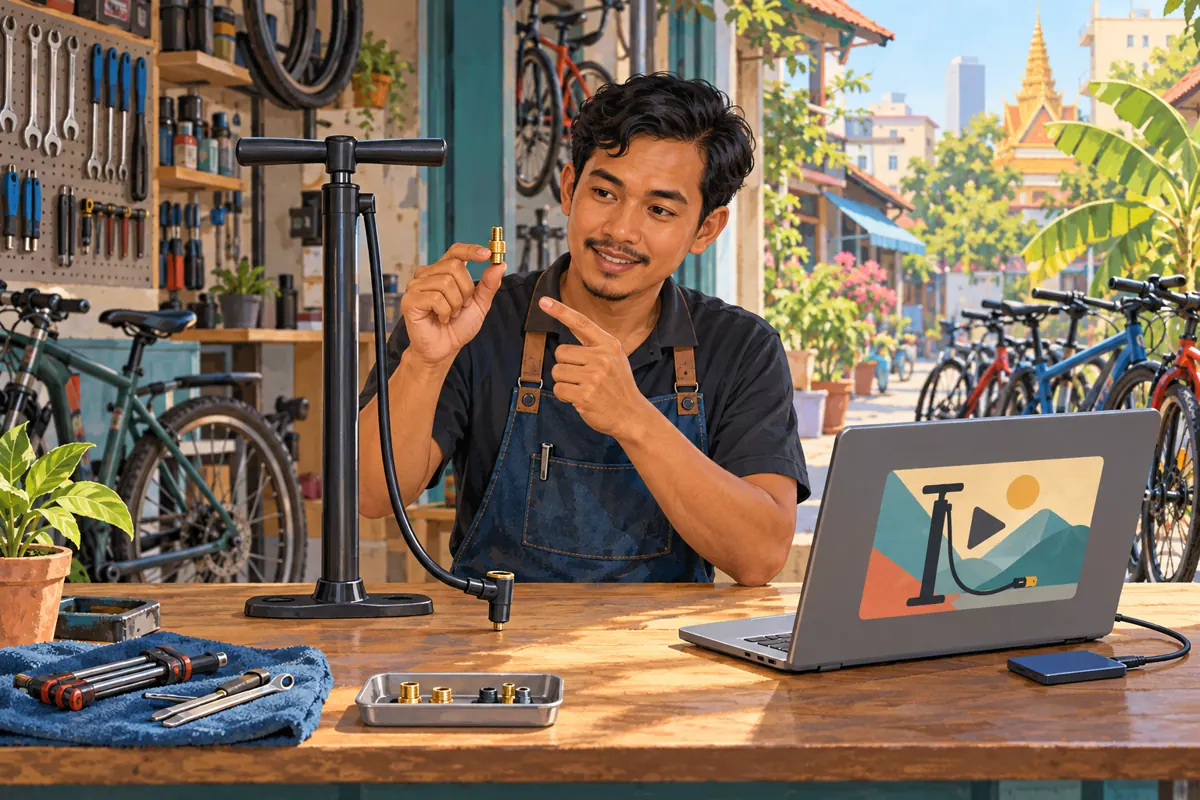
A bicycle pump demonstration can attract people with different questions. One viewer needs a complete pump, another wants to identify a valve adapter, and someone else is trying to understand the hose connector. Sending everyone toward the same sales message leaves those differences unresolved. For a Cambodian bicycle shop, a carefully planned YouTube info card can offer a relevant detail video when that question arises. This guide explains how to prepare that route, check it from a viewer’s perspective, and decide what role an SMM service request should have. The shop scenarios below are hypothetical planning examples, not customer results or promises of performance.
1. Choose the customer question before choosing the destination
Start with a question your staff can recognize at the counter: “Do I need the whole pump, or only this small adapter?” That is more useful than a broad objective such as increasing channel activity. It gives the video editor a concrete job: help viewers distinguish the product being demonstrated from the accessory that may require a separate explanation.
In a hypothetical Phnom Penh shop, the main demonstration shows a floor pump and briefly presents an adapter. Customers sometimes send a screenshot of the adapter while asking for the pump price. The shop decides to create a separate identification video. Its purpose is to clarify what the pictured item is, what information staff need to check suitability, and whether the accessory is included in the advertised package.
2. Decide whether an optional video is the right answer
Use a separate destination when the question deserves its own explanation and only some viewers need it. An adapter identification guide fits that pattern. Essential facts belong in the main demonstration itself. If the adapter is sold separately, say so where it appears; do not require viewers to follow a card to discover an important condition of the offer.
A useful decision process is to ask whether the missing detail affects every buyer, whether it needs a close-up demonstration, and whether a suitable destination already exists. Put universal conditions into the main video. Prepare a focused companion video for an optional explanation. If the existing footage already answers the question clearly, an additional route may add work without improving understanding.
3. Build the destination around identification
Prepare the companion video before connecting it to the main demonstration. Open with the actual accessory, show its distinguishing features, and explain which details a customer should send for a suitability check. Avoid turning a visual resemblance into a universal compatibility claim. A viewer should understand when a photograph or model reference is needed before staff can advise.
For Cambodian customers, choose the spoken language and product vocabulary your staff can support in enquiries. A Khmer explanation may still need a clearly shown manufacturer model code. Keep that code consistent across the video, stock record and staff response. Separate permanent identification guidance from changeable details such as availability, pickup arrangements and delivery charges. This makes later maintenance easier without implying that an older demonstration proves current stock.
4. Add the card and keep the setup simple
YouTube’s official instructions use this desktop route: YouTube Studio, Content, select the video, Editor, then Info cards. Choose the card type, set its start time, add suitable teaser text if needed, and save. Video cards link to public YouTube videos; playlist cards link to public playlists. A video can contain up to five cards, but cards are unavailable on content set as made for kids.
For this hypothetical shop, begin with one video card leading to the adapter guide. Record the main video URL, destination URL, intended question and chosen timing in a short editorial note. That note lets another staff member verify the relationship without guessing from similar thumbnails. Treat the platform’s capacity as a limit, not a target: every additional destination should answer a distinct question.
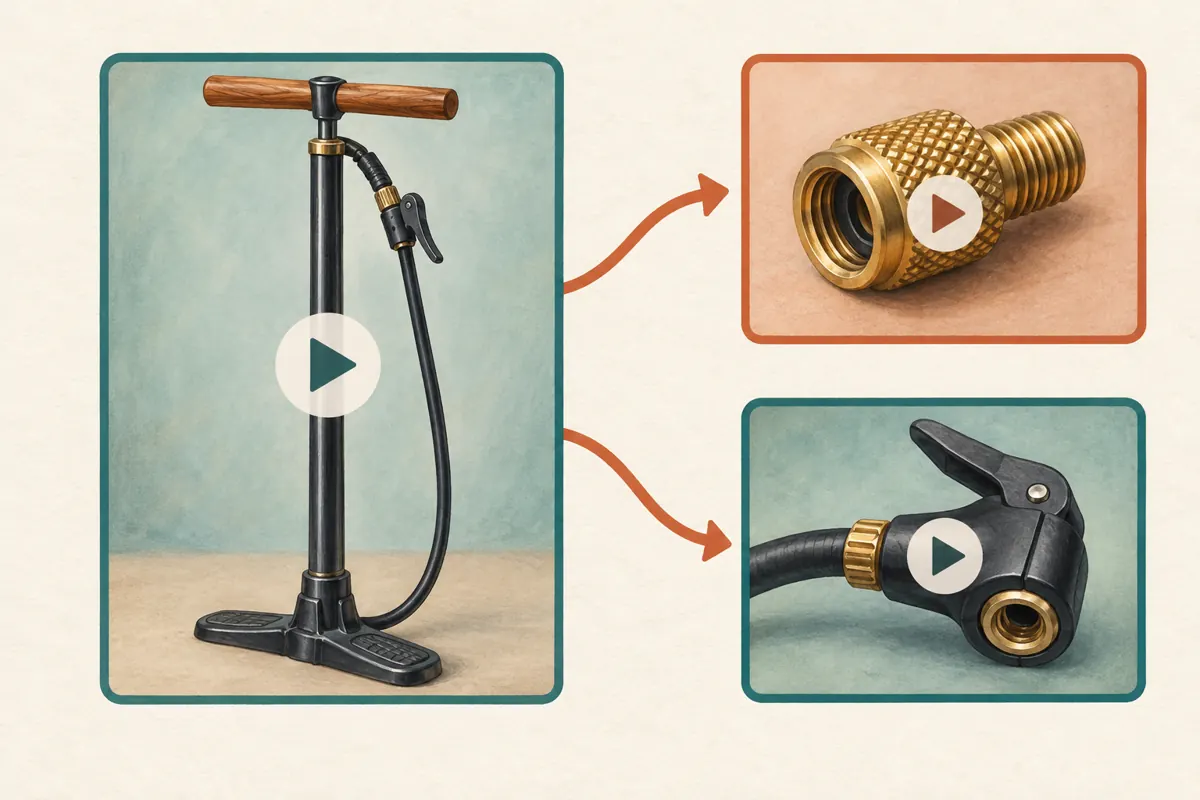
5. Place the invitation after the viewer understands the object
Watch the demonstration without editing controls and mark where the adapter first becomes understandable. An invitation before that moment may feel unexplained. An invitation during a detailed hand movement can compete with the action. A natural pause after identifying the accessory is a reasonable starting point for review.
In the hypothetical example, the presenter shows the whole pump, holds up the adapter, explains whether it comes with the package, and then mentions the separate identification guide. The main demonstration continues for viewers who do not need that detour. Write the spoken invitation so it remains useful even if someone cannot see the card: name the companion video’s subject clearly instead of relying only on “click here.”
6. Make the teaser match the destination’s actual answer
Write the invitation as a precise description of the next explanation. “Identify the valve adapter” is more informative than “Important information.” If the destination only shows identifying features, avoid promising a definitive compatibility check. If it explains the pump connector instead, do not label it as an adapter guide merely because that phrase seems more attractive.
Ask a colleague to read the proposed teaser and describe what they expect to see. Then play the destination’s opening. A mismatch is a reason to revise the wording or the video. This small review is especially useful when one person writes English planning notes and another records Khmer narration. Translate the customer question faithfully, including conditions such as “sold separately,” rather than compressing everything into a vague promotional phrase.
7. Test the complete journey on the devices available
After saving, open the public viewing page and follow the route as a customer would. Check that the destination opens, its first frames show the expected object, and the spoken explanation agrees with the main demonstration. Repeat with the phones and computer available to your team. Record what you actually observe rather than assuming every viewing surface presents the same controls.
YouTube’s help page discusses both desktop and mobile card controls, while also listing computer availability. That makes practical device checks worthwhile. Keep the essential product conditions understandable without the card.
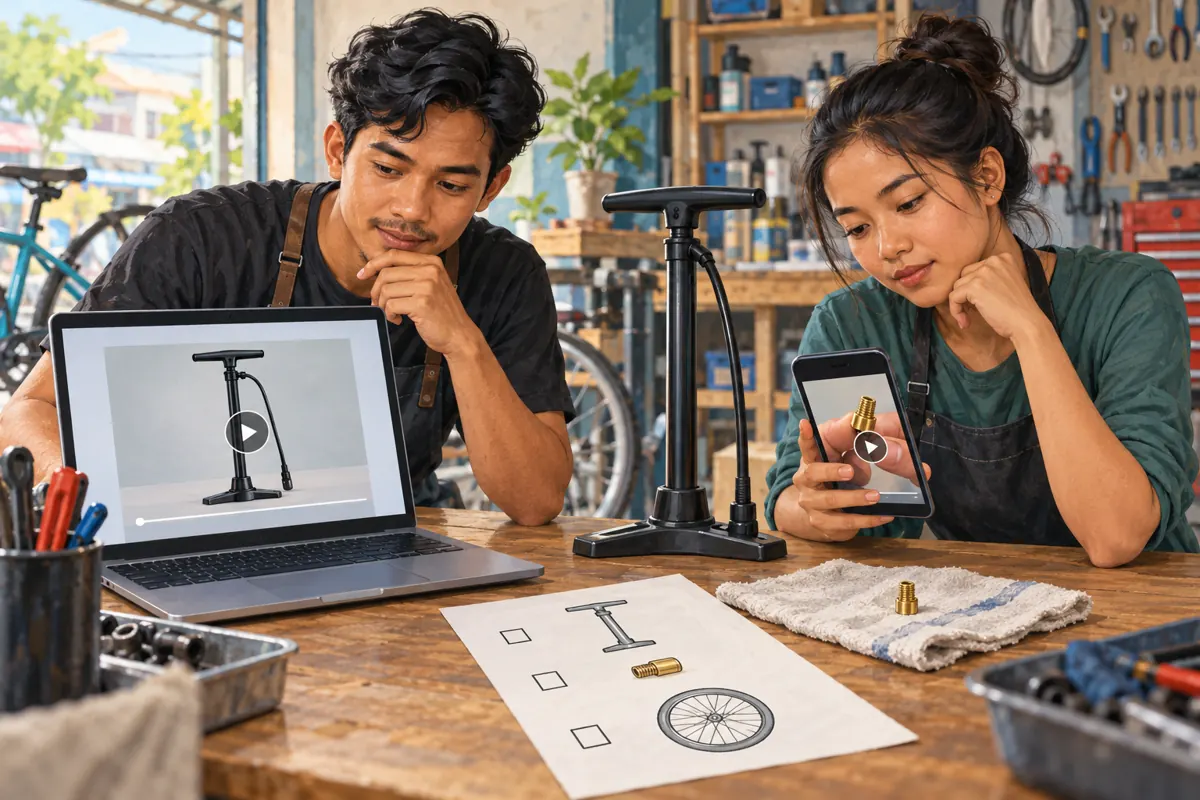
Give a reviewer a simple task: find out whether the adapter is included and identify what photo staff need next. If they cannot answer, ask where they became uncertain. This is an editorial usability check, not evidence of market demand. Fix the unclear sentence, missing close-up or wrong destination before spending effort distributing the main video.
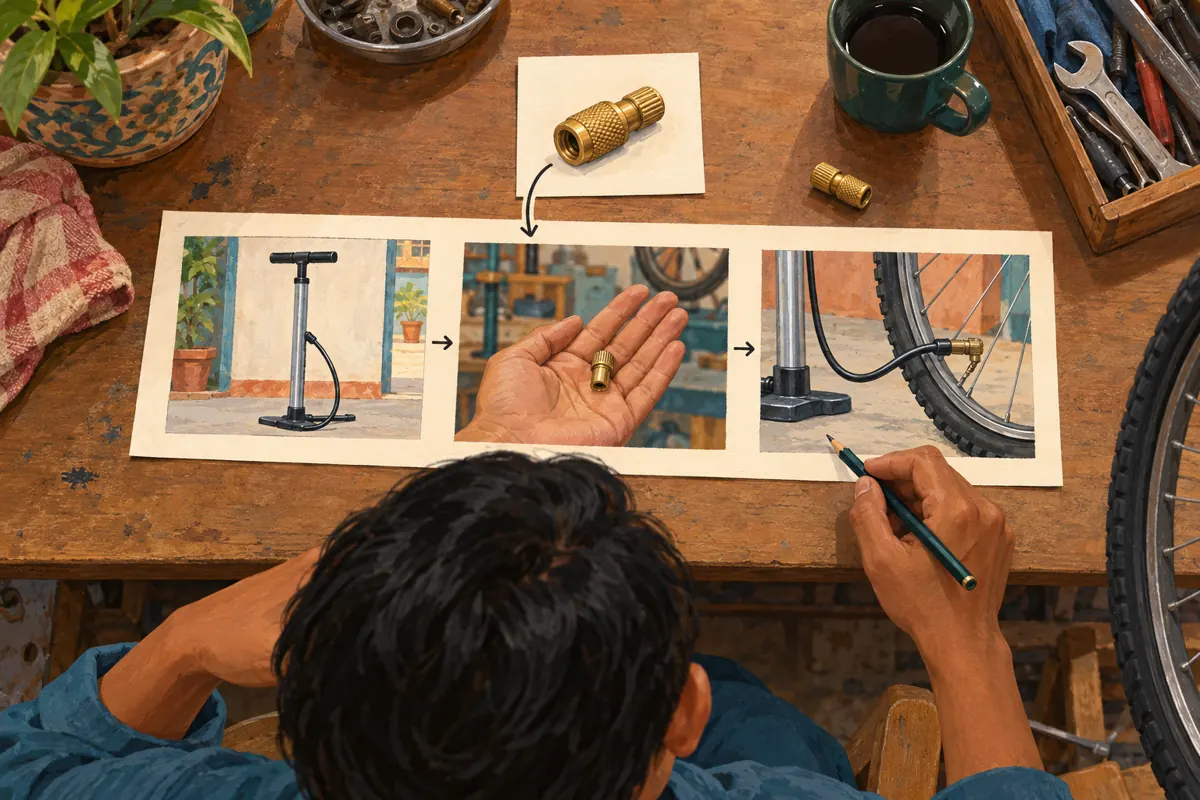
8. Evaluate SMM catalogue entries against this specific job
The supplied public catalogue includes “YouTube - Subscriber ~ Max 1M ~ 100-500/days ~ 0-12 hrs ~ 𝗥𝗘𝗙𝗜𝗟𝗟 30D”. Its title identifies a subscriber-oriented listing, but the supplied description is empty. The wording does not establish delivery methods, genuine interest, Cambodian audience origin or suitability for this shop. Treat its embedded timing and refill language as catalogue wording requiring clarification, not verified performance.
A subscriber-related entry does not demonstrate that anyone understood the adapter guide. YouTube prohibits artificial engagement and states that a hired promoter’s actions can affect the channel. Reject methods that artificially inflate metrics; do not use cards to promote such services. An SMM panel listing is not evidence of official platform affiliation or advertising delivery.
For a sabysmm.com customer, the practical decision is to define the missing work before considering an order. This project may need better filming, translation or content review. Do not assume those services exist in the catalogue. If a proposed service cannot explain how it supports the legitimate task and complies with platform rules, leave it out of the plan.
9. Promote the useful answer and review meaningful enquiries
Once the route works, share the main demonstration in places where your shop is permitted to contribute relevant information. Introduce it through the actual question it answers. A customer asking about an adapter may benefit from the companion guide directly; there is no need to force everyone through the main pump video first. Match the shared destination to the conversation.
Keep a brief enquiry log using categories such as complete pump, adapter identification, connector question and unresolved request. Record only information needed for the follow-up. If a customer voluntarily explains which video helped, note that as their account of the journey. Purchased engagement is not evidence of genuine interest, sales, ad delivery or Cambodian users. Even a genuine enquiry needs a separate stock and suitability check before it becomes an order.
10. Maintain the route when products or videos change
Assign one person to review connected videos whenever a demonstrated package changes. If a newer pump uses a different connector, an older adapter guide may still be educational but unsuitable as the immediate next step. Check the relationship between the two videos, not merely whether both links still open. Remove or replace a card when its destination no longer answers the promised question.
Common mistakes include sending every card to the newest upload, filling all available slots, hiding package conditions in the companion video, and treating a higher counter as proof that the route works. Another mistake is changing the teaser, destination and main narration together without recording what changed. Make the smallest useful correction, note the reason, and repeat the customer task before resuming promotion.
Frequently asked questions
Should the card lead to the adapter guide or the whole product catalogue?
Choose the adapter guide when the current scene raises that specific question. A broad catalogue makes the viewer repeat the search you could have resolved. Use a broader destination only when the video genuinely introduces a range and the next task is comparing that range. Start with the narrowest destination that answers the promised question completely.
Can the shop link directly to its website through an info card?
YouTube limits external website link cards to members of the YouTube Partner Program, and the destination must comply with its policies. Do not plan around that option without checking eligibility. For the workflow described here, a public companion video can explain the accessory and tell viewers what information to prepare for an enquiry.
What if customers still ask whether the adapter is included?
Review the main demonstration first. That condition should be visible or spoken where the accessory appears, regardless of whether viewers follow the card. Ask staff which wording customers misunderstood and revise that explanation. Repeated questions may reveal an unclear offer, a language problem or an ambiguous product image; they do not automatically mean you need more promotion.
How should the shop judge a card when there are few enquiries?
Begin with the task you can inspect: does the route take a viewer to an accurate, understandable answer? Then review genuine enquiries over a sensible period while noting other changes, such as stock or distribution activity. A quiet period cannot isolate the card’s effect. Avoid inventing a success percentage or treating a small number of conversations as a reliable forecast.
Can purchased subscribers help test whether the video route works?
No. Subscriber delivery would not establish that someone noticed the invitation, understood the destination or needed the product. Ask a colleague unfamiliar with the edit to complete the customer task, then use genuine customer feedback to identify remaining confusion. Keep any service-order records separate from conclusions about buyer understanding or demand.
Explore the current service catalogue, create an account, or ask a specific question through support tickets.
Prepared with AI assistance. Illustrations explain the workflow and do not represent customer results.